
St Mary’s


I’m still in the early stages of owning my DJI Mavic Mini (Flight distance: 58773 ft) and as with everything new you don’t expect to have an issue so soon (unless you have crashed into a tree or your own face) after buying your new toy.
I however had a “Motor Speed Error” message on only my 10th flight. My lack of experience firstly had me in a panic with the bird still in the sky; a quick RTH while thinking that it is not going to make it back; but I got her home without an issue.
It indicated that the rear left propellers needed changing out for a new one. On inspection I couldn’t see any signs of anything wrong with it. No chips or damage or even any warping to the propellers that I could see with my eye.
Previous to this issue I had seen a small amount of chat online about something to do with the last firmware update driving an excessive amount of people into ordering new Propellers, but I just didn’t think that this issue should be anything to do with me and my new MM. Now that I have looked into it a bit myself; it seems that there is an actual issue but is it a money grab, safety, or something else.
Everyone agrees that the error message that people are seeing started with the Firmware update V01.00.0500
A video from QC Guy seems to suggest the issue is “not a big deal” and that as long as you have checked your props to make sure you are happy; you should just fly on. He suggests that the error is caused because of a small voltage difference in the motors due to a “bad prop”. He is suggesting that if you didn’t have this update everything would be fine as long as you are checking your props over before you get in the air. He says that the error is a “false alarm”.

Ignacio Moreno has simplified the issue down to just how people have been storing the Mavic Mini in the Fly more case. The props are just getting pressure on them while they are in the case and they are being damaged.
Jay Cents seems to think that the issue can be fixed by doing the firmware update using the DJI Assistant software on your computer instead of using the DJI Fly app. Then completing a IMU Calibration will complete the fix.
The official word from DJI: CLICK HERE
DJI is saying that the issue is an RTFM, Read the fucking manual situation and that everyone just needs to chill out and look at the little sticker that is in the Fly More Case that tells you how to put the Drone in the case.
A few posts on Reddit have hinted that the changes in the firmware increases the sensitivity of the Motor Speed Sensor and was just a way of drive additional sales of Props. Several people say that DJI is out of stock of MM Propeller since the last update and this change in the reason.
My take… RTFM

A friend purchased his new MM around the same time as I did and has not had any “Motor Speed Error” on his MM. The only difference between him and me… I got the Fly More Combo, he didn’t. I haven’t read any of the instructions, if I had I wouldn’t have been putting my MM in the case the way I have; the wrong way. I think what DJI has done is the right thing by improving the firmware to better detects possible errors and help prevent your bird from falling out of the sky. I think I would prefer to have this error if I do have a slightly warped prop and protect my MM from the worst. The other thing I have realized is that I need to check my IMU calibration once i have worked out what the hell that is. As far as a money grab; I do believe that they are going to make a killing on the number of props that they will sell off the back of this change. From a PR point of view if birds start to drop out of the sky and its found that DJI had a way of detecting the issue but did nothing, that would be a bigger problem than prop buying kickoffs. DJI is refining their product to be better and this will carry over to make future products better and that can only be a good thing.
Thoughts?

So when you live in the UK and fly a Drone… its sucks. The reason is the rules around the transmission distance from you controller to your Drone.
If your reading this in the UK and have recently purchased a Mavic Mini I’m guessing that you have started to notice that the range you are getting is nothing compared to what all them You-tubers are getting on them videos you have been watching. Well the reason is that the rules on what frequency your new little toy will transmit on is rubbish compared to what them FCC North American lot are getting.
Just as well we are English and will just “Keep Calm and carry on”…
The only problem is that we won’t be calm and we feel a little like we have been ripped off in what we are getting compared to what we thought we would.
Today I received an unnecessarily large amount of cardboard delivered to my home which contained the tiniest little box and a potential fix for the DJI Mavic mini range problem.

I’m not going to pretend for a moment that I am the best product tester in the world but I got my new little range extender today and took my bird up. The results were quite surprising, I have a major issue where I normally fly because it’s a Wi-Fi busy area. The range I normally get only clocks up at around about 400m but with this little bit of plastic and reflective sticky tape strap to the front of my controller, I got a major improvement.

I managed to get my range up to 861m (I did the test again a few days later you can watch the “Improvement” here: HERE) and I know what you thinking that’s not very far but considering the issues I had before I’m a very happy man. I know I could have got more out of it but; as you can see it would have involved flying over factories and racing car tracks to get that distance up. Basically if you live in the UK (or any other CE restricted zone) I would recommend you drop the very small £14.99 and get your range up (Without an illegal firmware hack).
Check it out the range extender on Amazon – https://amzn.to/3cZLfrd
(The above link will also help support me and my content… go on you know you want one)
So here is my second showreel from my Mavic Mini footage. The Footage is a bit jerky but at the moment I’m unsure whether that’s to do with the way I’ve edited and slow down some of the footage so if I do need to consider getting myself an ND filter to smooth the video out.
(Please note some footage was taken by Homeless Tony)
Get your own DJI Mavic Mini and support my content, just click on the image below:
Get your own DJI Mavic Mini and support my content, just click on the link below:
One of the guys at work was talking to me today about different (Modern) R&B tracks he likes… I’m not a fan of the latest R&B tracks however I am a big fan of the old 60’s, 70’s R&B so he suggested he makes of a list of track he thinks I would like…..
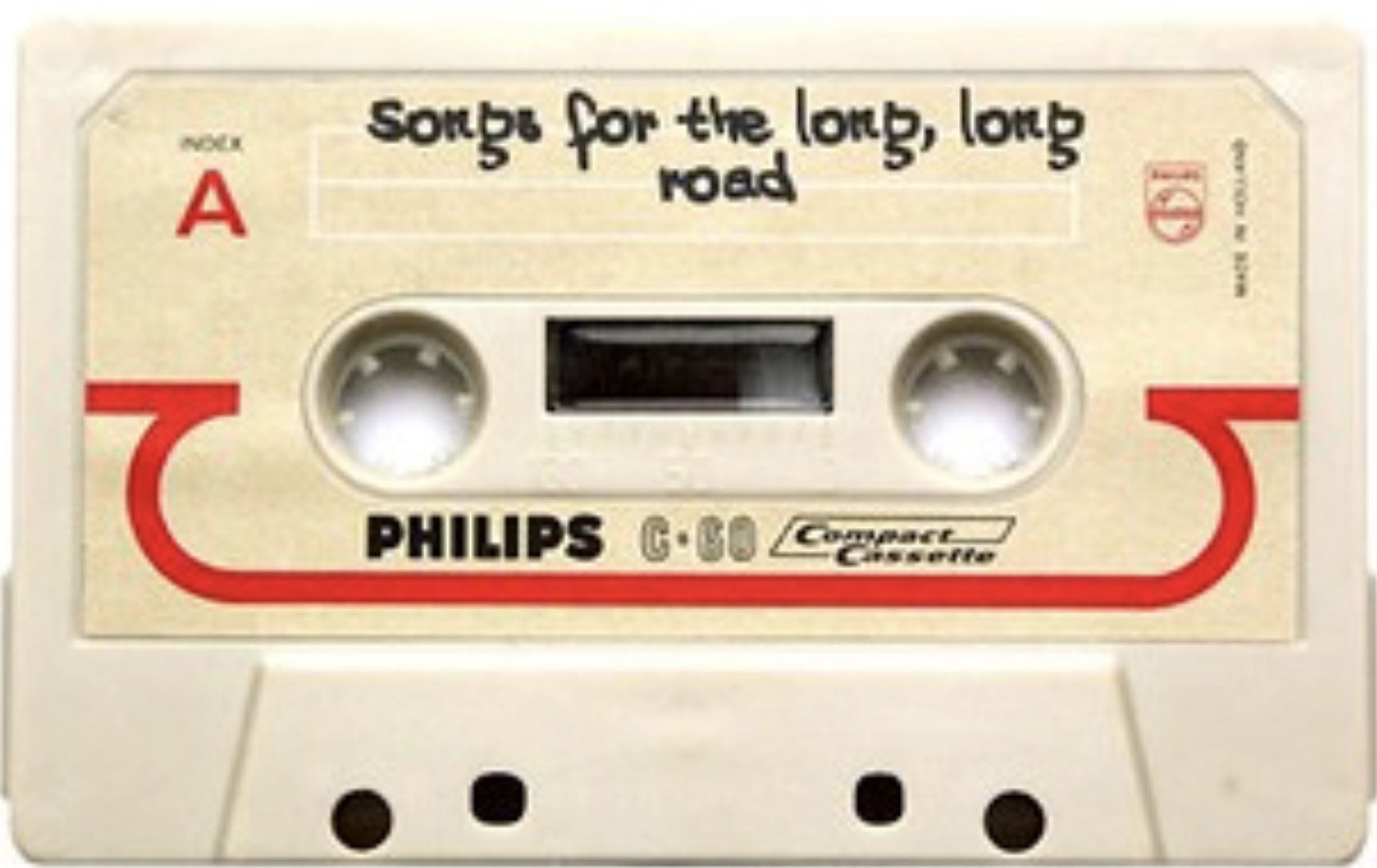
With a list or tracks you got a playlist and in the currently world of having just about every song ever available to you at all times it’s so easy to pull together a playlist and share it with somebody. The problems is that nobody seems to do it.
I remember in the late 80’s early 90’s I would regularly make a mix tape for myself, make them for friends and more importantly in the late 90’s it was a way of telling my girlfriend(s) how you feel about them…. it’s now a bit of a lost art.
I can’t remember the last time I made someone a mix tape and having realised that… it feels a bit sad.
I’m going to change that and make my wife a mix tape (aka Playlist) as soon as possible. I’ll update this post with a link to it once done but I encourage everyone to make one person you know (at least) a playlist.
https://music.apple.com/gb/playlist/mix-tape-for-emma/pl.u-A4J9T25XNz4
PHIL GB
So a new project 52 begins with the start of 2019.
One Photo per week using a set list for themes for guidance.

This weeks photo is the first light of the day rising behind the Victoria Monument on Derby Square is the centre of Liverpool.
https://en.m.wikipedia.org/wiki/Victoria_Monument,_Liverpool
SMLP – Making Stuff Video for her Little Brother

Recently been updating my photo Library from iPhoto to the new Photos app from OS X (Post on my experience to follow) and I just could help be have a good look back over the massive library to see what was in there. I thought I would pull to gather a series of pics and videos with a theme to see what I could do with them.
What better than to do a iMovie Project from Little Miss SMLP to the even…
Recently been updating my photo Library from iPhoto to the new Photos app from OS X (Post on my experience to follow) and I just could help be have a good look back over the massive library to see what was in there. I thought I would pull to gather a series of pics and videos with a theme to see what I could do with them.
What better than to do a iMovie Project from Little Miss SMLP to the even littler Mr SMLP Jn. Here is my end result.
https://youtu.be/TsaKPfIlsPs
Let me know what you think.
– SMLP